> For the complete documentation index, see [llms.txt](https://docs.r2drop.com/llms.txt). Markdown versions of documentation pages are available by appending `.md` to page URLs; this page is available as [Markdown](https://docs.r2drop.com/overview/readme.md).
# Introduction
**R2Drop** is a native macOS app that makes uploading files to Cloudflare R2 feel effortless.
No browser dashboards, no copy-pasting URLs, no context switching. Right-click a file in Finder, drag it to the menu bar, or run a single CLI command — and get a public URL instantly.
***
## What R2Drop Does
* **Finder integration** — right-click any file or folder → *Send to R2*
* **Menu bar & Dock** — drag files directly onto the icon
* **File picker** — browse and select files from inside the app
* **CLI** — upload from terminal, scripts, and CI pipelines
* **Deep links** — trigger uploads from other apps via `r2drop://`
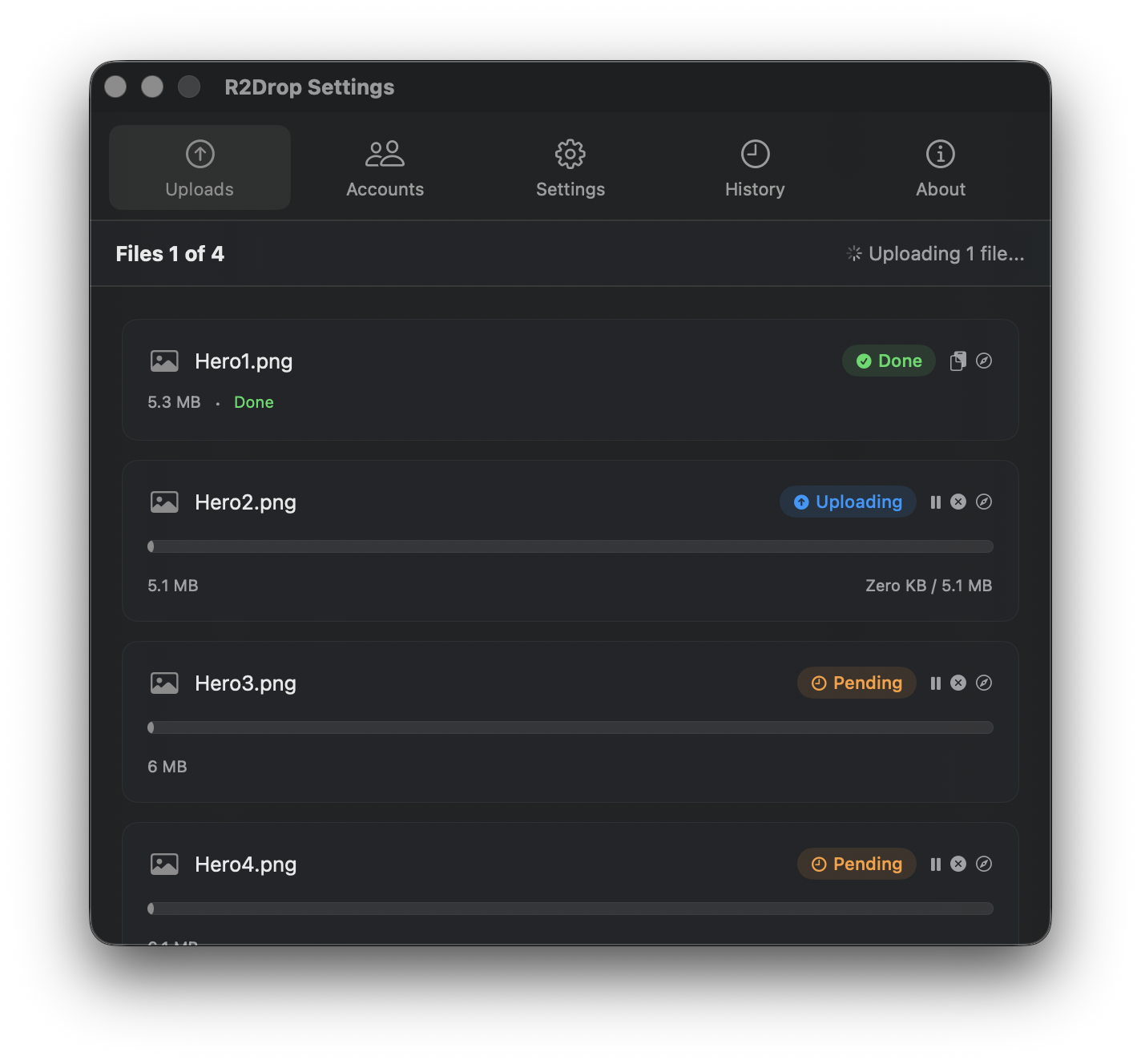
All uploads run in the background with parallel multipart transfers, automatic retries, and clipboard-ready URLs.
***
## Who Is This For?
R2Drop is built for developers and technical users who:
* Host assets, builds, or media on Cloudflare R2
* Want a fast upload workflow without touching the Cloudflare dashboard
* Script file distribution as part of CI/CD pipelines
* Manage multiple R2 buckets across different accounts
***
## Quick Start
1. [Install R2Drop](/getting-started/installation.md) — download the macOS app or install the CLI
2. [Complete onboarding](/getting-started/first-upload.md) — paste your Cloudflare API token and select a bucket
3. Upload your first file — drag it to the menu bar icon
4. Get the URL — it's already in your clipboard
***
## Open Source
R2Drop is MIT-licensed and fully open source.
Source code: [github.com/superhumancorp/r2drop](https://github.com/superhumancorp/r2drop)
***
*Published by* [*Paul Pierre*](https://github.com/paulpierre)